

Security and control, built in from the start.
Decide who gets in, from where and with what role, and keep every conversation, file and client relationship owned by the business.
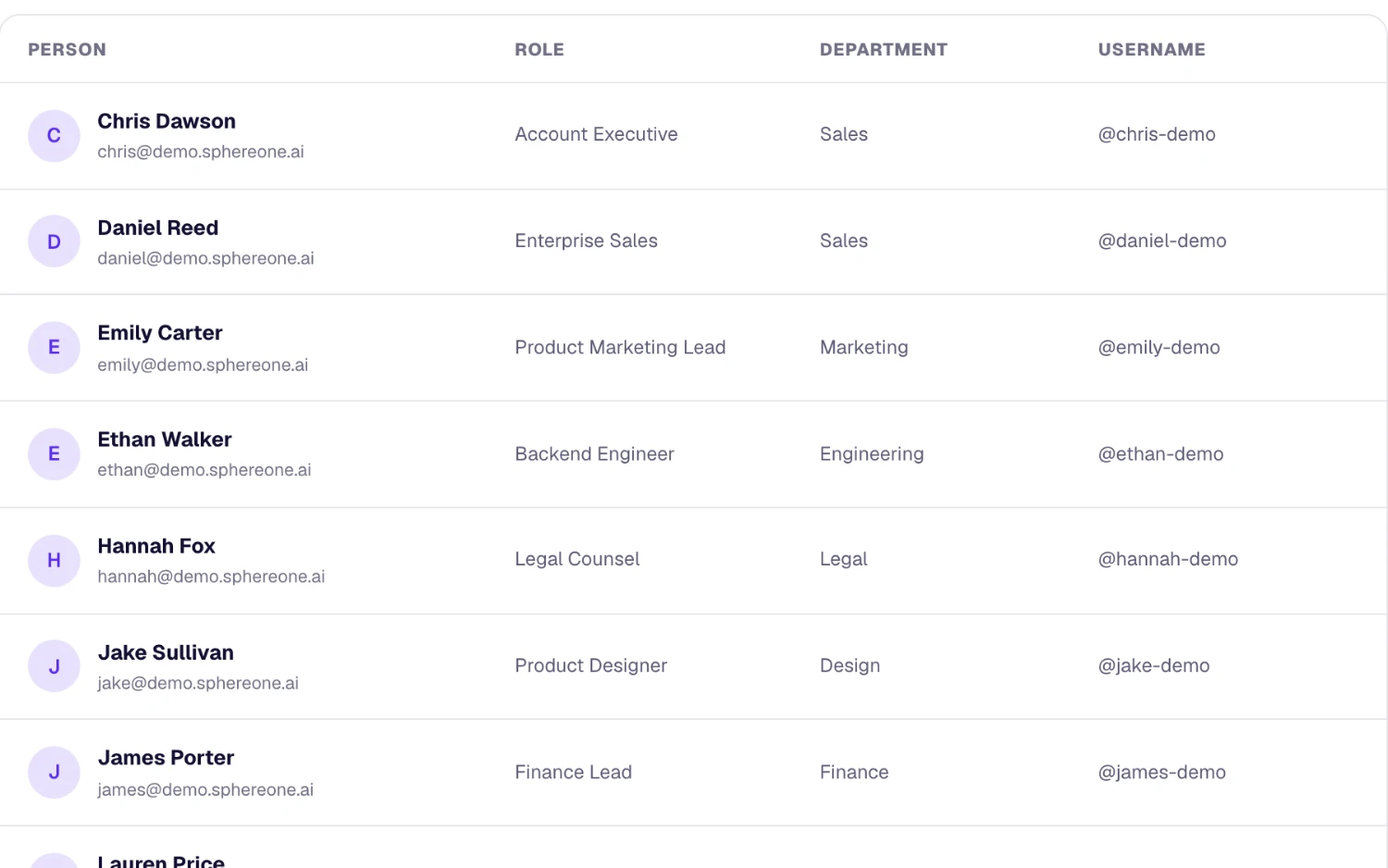
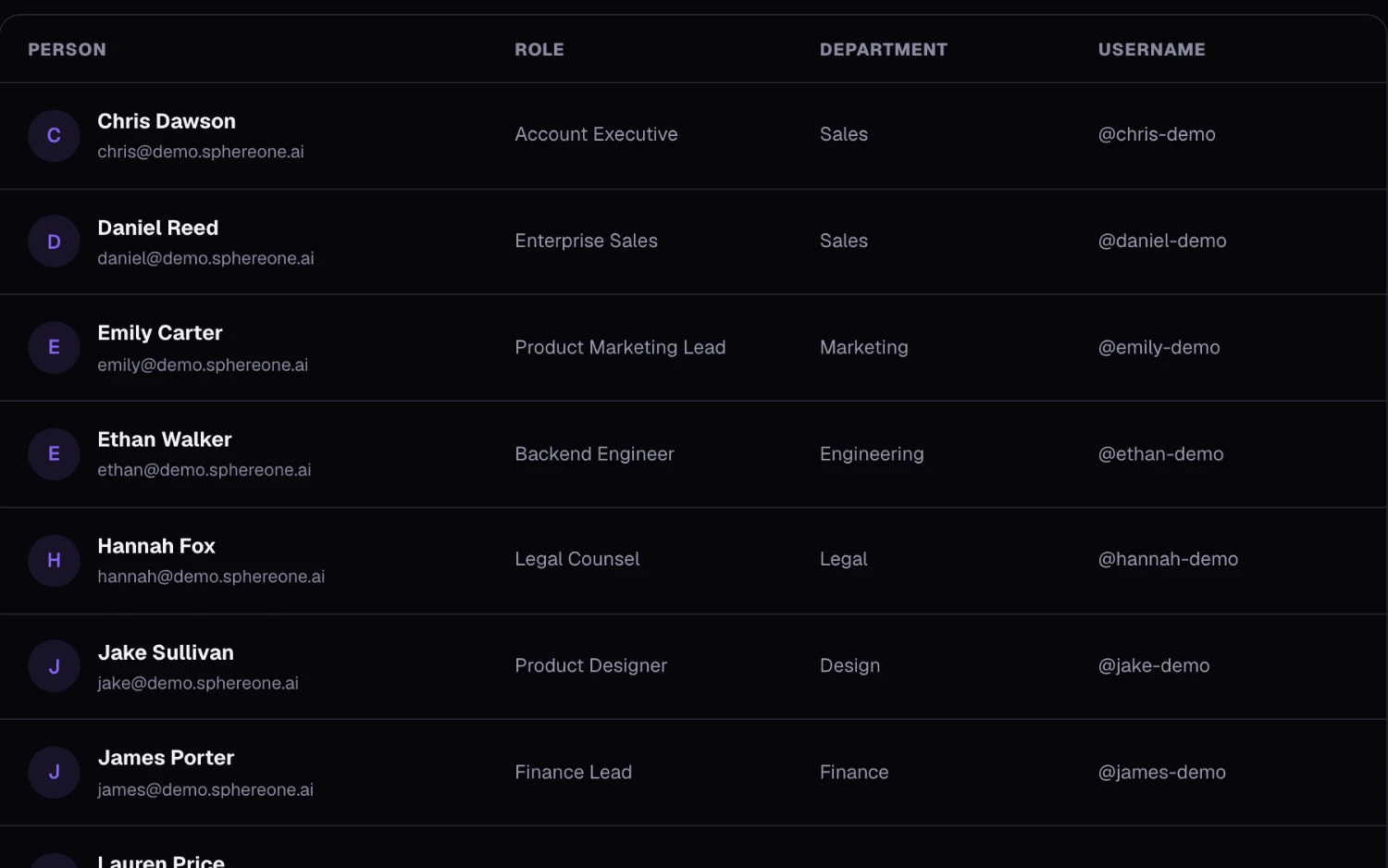
Controls admins actually use
Access, identity and data controls in the workspace settings.
Where these controls matter
Office-first businesses
Keep work on work premises by limiting sign-in to your office IP ranges or an office area.
Growing companies
Require single sign-on so new people get an account the first time they sign in, and access follows your identity provider.
Client-facing teams
Keep client relationships on company infrastructure instead of personal phones and inboxes.
AI under admin control
AI features follow the same access rules as everything else.
- Assist only reads conversations each person can already open.
- Admins can switch AI off for the whole workspace at any time.
- Clients only ever reach their own rooms.
What each plan includes
Admin & security on every SphereOne plan. Compare all plans.
| Capability | Free | Starter | Business | Enterprise |
|---|---|---|---|---|
| Roles and permissions | Included | Included | Included | Included |
| Data export | Not included | Included | Included | Included |
| IP allowlist | Not included | Included | Included | Included |
| Office areas | Not included | Included | Included | Included |
| Single sign-on | Not included | Not included | Included | Included |
| Audit log | Not included | 30 days | 180 days | 1 year |
Questions about admin & security
Does SphereOne support single sign-on (SSO)?
Yes, on Business and up. Connect any identity provider that speaks SAML 2.0 or OpenID Connect, verify your email domain, and optionally require single sign-on for everyone, with one nominated admin keeping a password as the way back in.
Can we restrict access to the office?
Yes. Limit sign-in to your office IP ranges, or to inside an office area, on Starter and up.
Does SphereOne have an audit log?
Yes, on Starter and up. Admins can see and filter who changed what — people, roles, access rules, single sign-on, files and settings — and download it as a CSV. Starter keeps 30 days, Business 180 days and Enterprise 1 year.
Can we export our data?
Yes. Data export is on Starter and up.
What security standards does SphereOne meet?
SphereOne encrypts data in transit and at rest, supports single sign-on and two-step login, and follows GDPR-aligned data handling, with an uptime commitment on Enterprise. For healthcare teams on Enterprise, we sign a business associate agreement (BAA) and turn on HIPAA mode.
More of the workspace
Everything shares one directory, one search and one assistant.
Bring admin & security to your team
Start free, or book a half-hour walkthrough with our team.