

Calls and meetings, one click from the conversation.
Turn a quick question into a quick call. Audio and video with screen sharing, guests who join from a link, and meetings on the same calendar as the rest of your work.
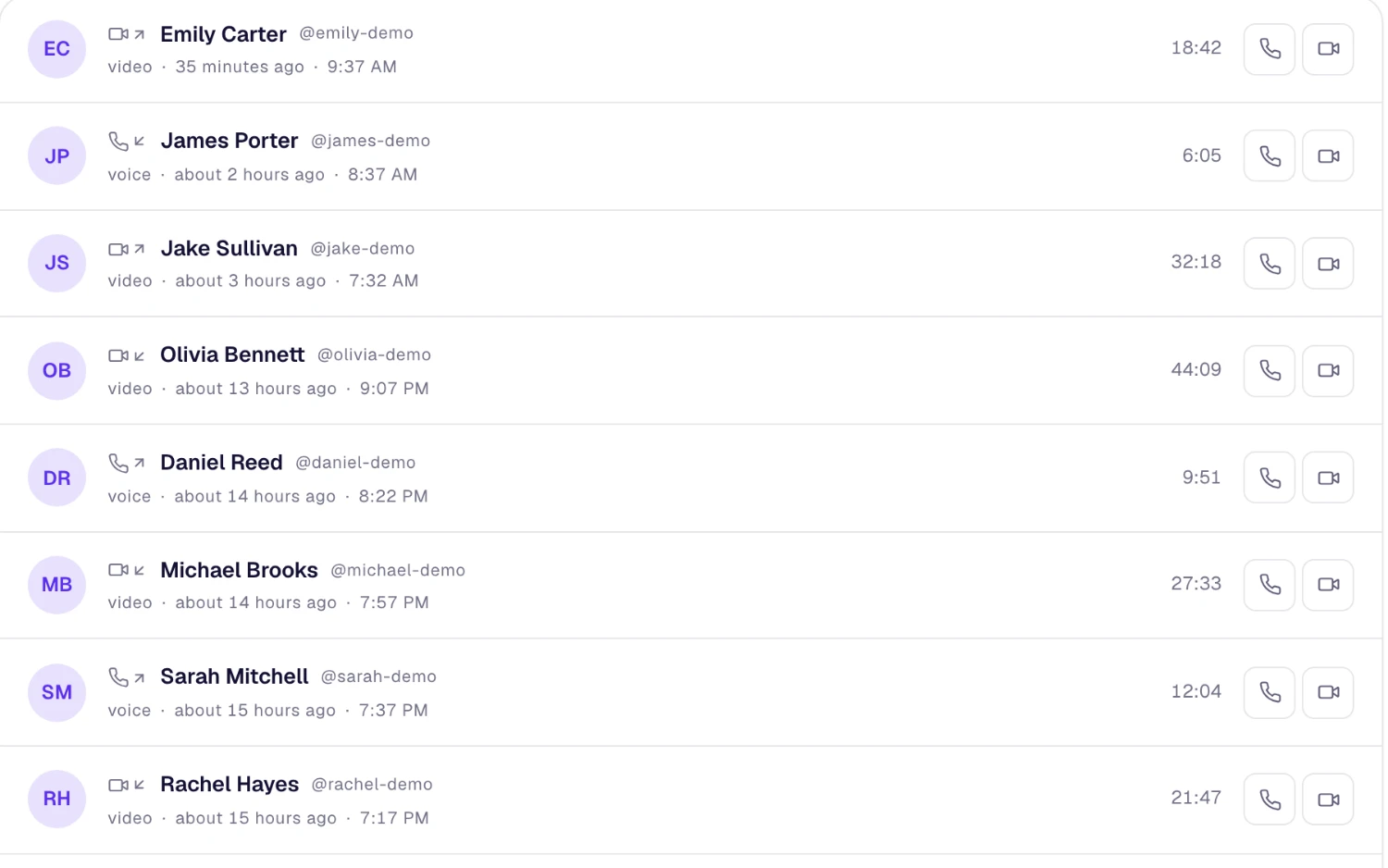
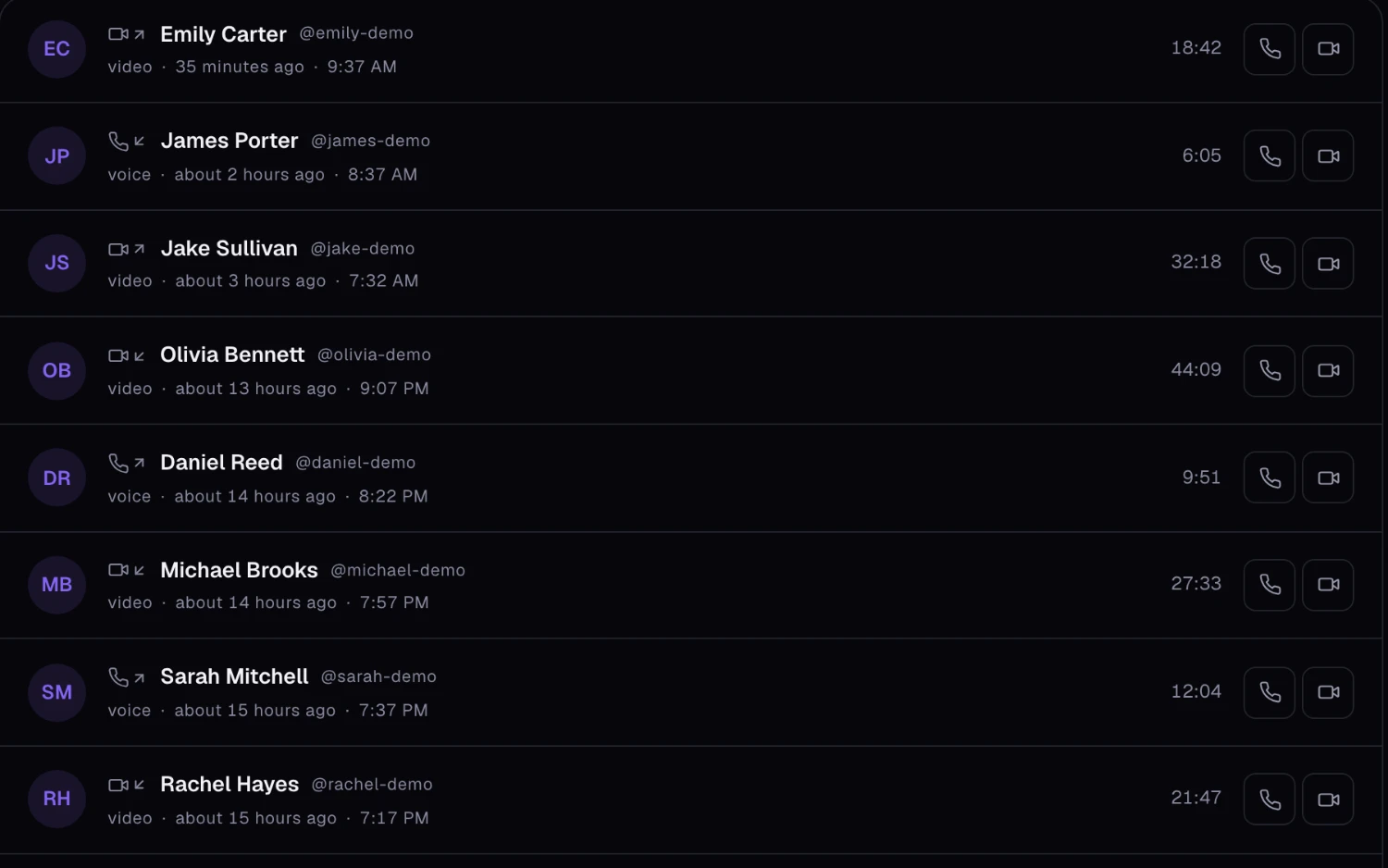
Built for the calls work actually needs
From a two-minute check-in to a client review, without switching apps.
When teams reach for a call
The quick unblock
A thread is going in circles. Start a call from the same conversation and settle it in five minutes.
The client review
Send the client a guest link. They join by entering their name and follow along as you share your screen.
The weekly standup
Put it on the calendar once with SphereOne video, or attach a Google Meet or Microsoft Teams link if that's what the group already uses.
AI around every call
Assist keeps the conversation a call came out of organized.
- Summarize the chat a call came out of into decisions and action items.
- Draft the follow-up message from a short prompt.
- Catch up on what a channel discussed while you were in back-to-back calls.
What each plan includes
Video calls & meetings on every SphereOne plan. Compare all plans.
| Capability | Free | Starter | Business | Enterprise |
|---|---|---|---|---|
| Audio and video calls with screen sharing | Included | Included | Included | Included |
| People in one meeting | 5 | 300 | 300 | 500 |
| Meeting length | 40 min | 8 hours | 30 hours | 30 hours |
| Recording | Included | Included | Included | Included |
Questions about video calls & meetings
Can people outside the company join a SphereOne call?
Yes. Send a guest link and they join by entering their name. They don’t need a SphereOne account.
Can we record meetings?
Yes, on every plan. The recording keeps going if the person who started it leaves, and it saves to their SphereOne Box, where only they can see it until they share it. It is kept for Free 7 days, Starter 14 days, Business 21 days and Enterprise 30 days, then deleted, so download it to keep a copy. Free includes 2 cloud recordings a month.
How many people can join a meeting?
It depends on the plan: Free up to 5, Starter up to 300, Business up to 300 and Enterprise up to 500 people.
Does SphereOne work with Google Meet and Microsoft Teams?
Yes. When you schedule a meeting you can use SphereOne's built-in video, or connect your Google or Microsoft account and attach a Google Meet or Microsoft Teams link instead.
More of the workspace
Everything shares one directory, one search and one assistant.
Bring video calls & meetings to your team
Start free, or book a half-hour walkthrough with our team.